


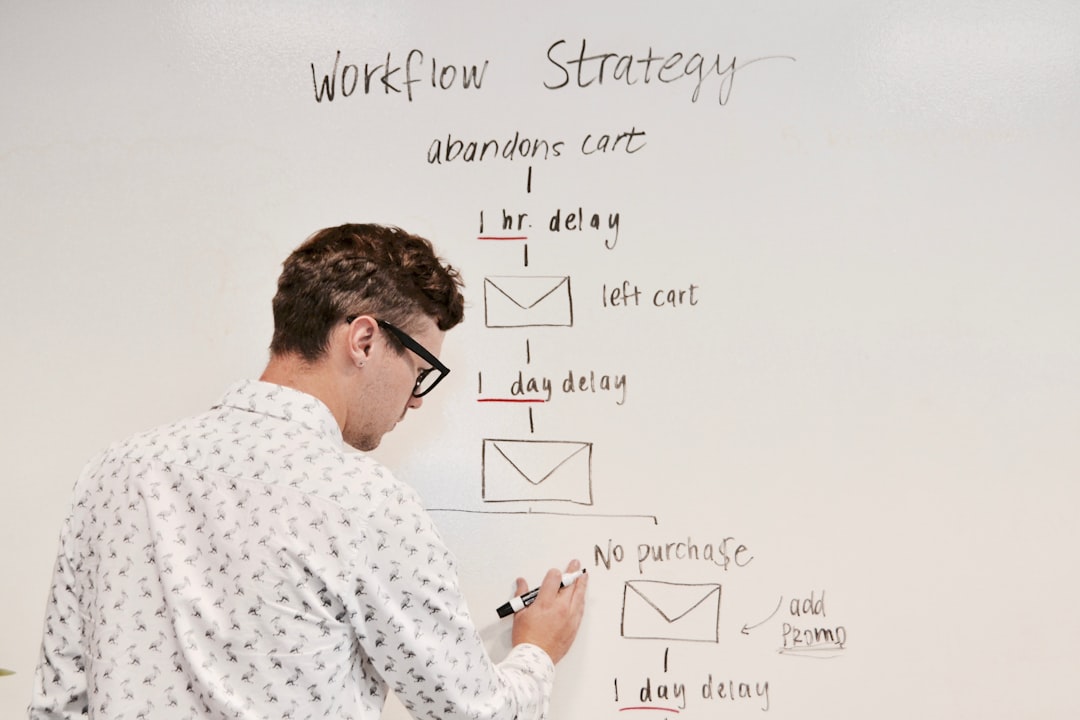
Most “social media automation” setups I’ve seen are embarrassingly shallow — a Zapier zap that posts the same caption to every platform, or a Buffer queue that someone fills manually anyway. Social media automation with Claude can do something fundamentally different: take a raw content brief and produce genuinely platform-native posts, schedule them intelligently, and ship them — without you touching a single copy/paste operation. This article walks you through building exactly that in n8n, with working code and honest notes on where it breaks.
What you’ll end up with: a single webhook trigger that accepts a content brief, calls Claude to generate platform-specific variants for Twitter/X, LinkedIn, and Instagram, stores them in Airtable with scheduled times, then publishes them via each platform’s API when the time arrives. The whole pipeline runs on n8n self-hosted or cloud, costs roughly $0.003–0.008 per content brief at current Claude Haiku pricing, and takes about two hours to wire up the first time.
Why Claude for Social Content Generation (and Where It Falls Short)
Claude handles platform-specific tone better than most models I’ve tested for this use case. Give it a brief about a product launch and it’ll write a punchy 240-character tweet with a hook, a 1,200-character LinkedIn post with professional framing, and a caption-plus-hashtag block for Instagram — without you spelling out every constraint. GPT-4o does this too, but Claude tends to be less repetitive across variants and follows formatting instructions more reliably in structured JSON output mode.
That said, Claude has real limitations here. It has no knowledge of your brand voice unless you inject it. It won’t know that your company never uses exclamation marks, or that your LinkedIn audience skews to CTOs. You need to front-load that context in a system prompt or it’ll produce generic-but-technically-correct content. Also, Claude Haiku (the cost-effective choice for high-volume runs) sometimes truncates LinkedIn posts if you’re not explicit about length targets. Sonnet 3.5 is more reliable for longer-form content but costs roughly 5x more per token.
The n8n Workflow Architecture
Here’s the high-level flow before we get into node configuration:
- Webhook node — receives a JSON content brief
- Claude API node (HTTP Request) — generates platform variants
- JSON Parse + Split node — separates the three platform outputs
- Airtable node — stores posts with scheduled timestamps
- Schedule Trigger node — polls every 15 minutes for due posts
- Switch node — routes to platform-specific publisher nodes
- Twitter/LinkedIn/Instagram HTTP nodes — publish via API
n8n’s visual editor makes the branching logic easy to follow, but don’t let that fool you — the tricky parts are all in the Claude prompt structure and the platform API quirks. Let’s go through each.
The Content Brief Webhook
Send a POST to your webhook URL with this structure:
{
  "topic": "We just launched a Figma plugin that auto-generates component documentation",
  "tone": "excited but professional",
  "cta": "Try it free at figmadocs.io",
  "brand_voice": "We're direct, slightly nerdy, never use corporate jargon",
  "publish_delay_hours": 2
}
The publish_delay_hours field lets you set a buffer — useful if you want a human to review before anything goes live. Set it to 0 if you want fully autonomous publishing.
Calling Claude with Structured Output
Use an HTTP Request node pointed at https://api.anthropic.com/v1/messages. The prompt engineering here is where most people underinvest. Here’s the system prompt I’ve settled on after about a dozen iterations:
{
  "model": "claude-haiku-20240307",
  "max_tokens": 1024,
  "system": "You are a social media copywriter. Always respond with valid JSON only — no prose, no markdown fences. Follow platform character limits strictly.",
  "messages": [
    {
      "role": "user",
      "content": "Generate social media posts for the following brief:\n\nTopic: {{$json.topic}}\nTone: {{$json.tone}}\nCTA: {{$json.cta}}\nBrand voice: {{$json.brand_voice}}\n\nReturn this exact JSON structure:\n{\n  \"twitter\": \"(max 240 chars, hook-first, include CTA)\",\n  \"linkedin\": \"(150-300 words, professional insight angle, end with CTA)\",\n  \"instagram\": {\n    \"caption\": \"(engaging, 100-150 words)\",\n    \"hashtags\": [\"tag1\", \"tag2\"] // 8-12 relevant hashtags\n  }\n}"
    }
  ]
}
Set the Authorization header to x-api-key: YOUR_KEY and anthropic-version: 2023-06-01. In n8n, use credential storage for the API key — never hardcode it in the node.
One non-obvious thing: Claude sometimes wraps its JSON response in markdown code fences even when you tell it not to. Add a Code node after the HTTP Request that strips ```json and ``` before parsing:
// n8n Code node — clean Claude's response before JSON.parse
const raw = $input.first().json.content[0].text;
const cleaned = raw.replace(/```json\n?/g, '').replace(/```\n?/g, '').trim();
return [{ json: JSON.parse(cleaned) }];
Storing and Scheduling Posts in Airtable
After parsing, you’ll have three items to store. Use a SplitInBatches node or just three separate Airtable nodes — I prefer three nodes because the field mappings differ per platform and it’s easier to debug. Your Airtable base needs these fields:
- Platform (single select: twitter, linkedin, instagram)
- Content (long text)
- Hashtags (long text, JSON array as string for Instagram)
- Scheduled At (datetime)
- Status (single select: pending, published, failed)
- Error Log (long text — you’ll thank yourself later)
Calculate Scheduled At in a Set node before inserting:
// Set node expression for scheduled time
{{ new Date(Date.now() + $json.publish_delay_hours * 3600000).toISOString() }}
The Publisher: Routing and Platform APIs
A separate n8n workflow runs on a Schedule Trigger (every 15 minutes). It queries Airtable for records where Status = “pending” AND Scheduled At ≤ now, then routes each through a Switch node on the Platform field.
Twitter/X Publishing
Twitter’s v2 API requires OAuth 1.0a, which n8n’s built-in Twitter node handles cleanly. Use the “Create Tweet” operation — it’s the most stable path. The main gotcha: if your Claude-generated tweet exceeds 280 characters (yes, 280 — not 240, I just give Claude a buffer), the API returns a 403 and n8n marks the execution as failed. Add a character count check in a Code node before hitting the API:
const tweet = $input.first().json.fields.Content;
if (tweet.length > 280) {
  throw new Error(`Tweet too long: ${tweet.length} chars`);
}
return $input.all();
LinkedIn Publishing
LinkedIn’s API is the most annoying of the three. You need a Company Page (not a personal profile) for automated posting via API, which requires applying for API access through their partner program. If you’re posting to a personal profile, you’ll need the w_member_social OAuth scope — use n8n’s LinkedIn OAuth2 credential. The post endpoint is https://api.linkedin.com/v2/ugcPosts:
{
  "author": "urn:li:person:{{YOUR_PERSON_URN}}",
  "lifecycleState": "PUBLISHED",
  "specificContent": {
    "com.linkedin.ugc.ShareContent": {
      "shareCommentary": {
        "text": "{{$json.fields.Content}}"
      },
      "shareMediaCategory": "NONE"
    }
  },
  "visibility": {
    "com.linkedin.ugc.MemberNetworkVisibility": "PUBLIC"
  }
}
LinkedIn rate limits personal posting to 3 posts per day per user. Plan your scheduling accordingly — the Airtable queue approach handles this naturally since you control the timestamps.
Instagram Publishing
Instagram publishing requires the Instagram Graph API via a Facebook Business account, and you can only post to Instagram Business or Creator accounts — not personal ones. It’s a two-step process: create a media container, then publish it. You’ll need a publicly accessible image URL for every post (Instagram doesn’t accept text-only posts). Store image URLs in your content brief and pass them through:
// Step 1: Create container
POST https://graph.facebook.com/v19.0/{{IG_USER_ID}}/media
  ?image_url={{imageUrl}}
  &caption={{caption + '\n\n' + hashtags.join(' ')}}
  &access_token={{token}}

// Step 2: Publish (use the container ID from step 1)
POST https://graph.facebook.com/v19.0/{{IG_USER_ID}}/media_publish
  ?creation_id={{containerId}}
  &access_token={{token}}
Error Handling and the Failure Modes You’ll Actually Hit
This is the part most tutorials skip. Here’s what breaks in production:
- Claude returns malformed JSON — happens maybe 2% of the time with Haiku, less with Sonnet. Add a try/catch in your parse node and write the raw response to Airtable’s Error Log field, then set Status to “failed” so you can manually review and retry.
- Twitter OAuth token expiry — n8n’s credential refresh doesn’t always work cleanly with Twitter’s OAuth 1.0a. Set a reminder to rotate tokens every 90 days.
- LinkedIn API 422 errors — usually means your content has special characters LinkedIn’s API doesn’t like. Add a sanitize step that strips non-UTF8 characters before posting.
- Instagram container creation succeeds but publish fails — the container expires after 24 hours. If your scheduler is down during that window, you’ll have orphaned containers. Track container IDs in Airtable and add a cleanup flow.
- n8n execution timeout — default is 60 seconds; the full pipeline typically runs in 8-15 seconds but API latency spikes happen. Set your workflow timeout to 120 seconds minimum.
For all platform API failures, set Status to “failed” in Airtable and send yourself a Slack notification via n8n’s Slack node. Don’t let failures disappear silently into execution logs.
Cost Breakdown for Social Media Automation Claude Pipelines
At current pricing (verify before building — these change):
- Claude Haiku: ~$0.0025 per content brief (input + output tokens for all three platform variants)
- Claude Sonnet 3.5: ~$0.012 per brief — worth it if brand voice consistency is critical
- n8n Cloud: $20/month for up to 10,000 executions — fine for most teams posting 2-3x/day
- n8n self-hosted: just your server cost; a $6/month Hetzner VPS handles this load easily
Running 30 content briefs per month (one per day) costs roughly $0.08–0.36 in Claude API calls. The platform APIs are all free at this volume.
Who Should Build This (and Who Shouldn’t)
Build this if: You’re a solo founder or small team posting consistently across platforms, you have a clear brand voice you can document in a system prompt, and you’re comfortable with n8n’s learning curve. The setup time is roughly 4-6 hours including platform API configuration — after that it runs unattended.
Don’t build this if: Your content requires real-time context (news commentary, trending topics), you need image generation as part of the pipeline (add DALL-E or Flux calls but that’s a separate article), or you’re at a company where legal needs to approve every post. This pipeline can be paused to add a human review step, but it adds friction that defeats the purpose for truly high-volume teams.
For teams already using Buffer or Hootsuite: This isn’t a replacement for those tools’ analytics and team collaboration features. It’s a content generation and scheduling pipeline that feeds into your queue. You can adapt the Airtable layer to call Buffer’s API instead of publishing directly — sometimes that’s the right call.
The bottom line on social media automation with Claude: it’s genuinely useful, the cost is negligible, and the Claude-specific quality bump on platform-native copy is real. The hardest part isn’t the AI — it’s wrangling Instagram’s two-step publishing flow and keeping OAuth tokens alive. Nail those, and the rest is just prompt tuning.
Editorial note: API pricing, model capabilities, and tool features change frequently — always verify current details on the vendor’s website before building in production. Code examples are tested at time of writing; pin your dependency versions to avoid breaking changes. Some links in this article may be affiliate links — we may earn a commission if you sign up, at no extra cost to you.